
Fill the recipe box
Find recipes online with eating-style filters and an avoid list, scan a recipe card or a cookbook page into an editable recipe, or add a family favourite by hand.
Save recipes, scan the ones on cards and in cookbooks, plan the week, keep a pantry and let the app answer “what can I make?” and “what do we need?”
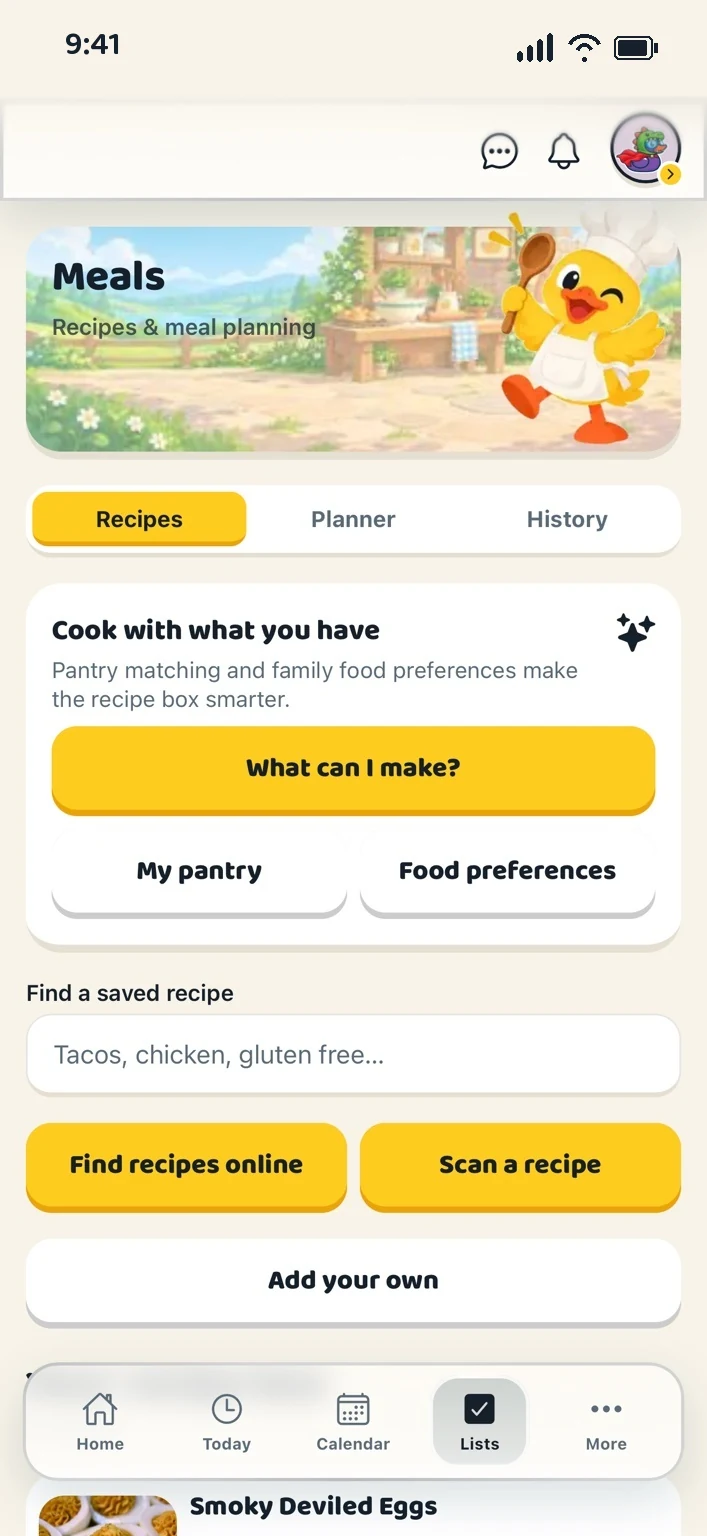
Find recipes online with eating-style filters and an avoid list, scan a recipe card or a cookbook page into an editable recipe, or add a family favourite by hand.
Breakfast, lunch, snack and dinner for each day. Ask the app to plan the week from your pantry, preferences, ratings and what has been on lately; it only fills today and the days ahead.
The week’s ingredients are combined, what is in the pantry is left out, and the rest is added to the shopping list after you look it over.
A handwritten card, a cookbook page, a screenshot or a PDF, up to five pages read together. It opens in Add a recipe with the fields filled in, for you to check before saving.
Tell the app what you normally have. Pantry items are left off grocery lists and power “What can I make?”.
Eating styles and things to avoid are kept with each person, not the whole flock. A recipe shows a family food check, as a reminder from saved preferences, not a guarantee about allergens.
Cooked something big? Schedule the leftovers without adding groceries again. A bumped meal waits under “Needs a new spot”; nothing is deleted.
Children request a meal; grown-ups approve or decline from a small queue.
Planned meals show on the Today screen in their own section. They do not fill the family calendar.
Meals stay useful by staying honest.
Fourteen days free, with nothing held back, then $4.99 CAD a month or $45.99 CAD a year. That is one subscription for your whole household and every feature in the app: there is no higher tier and nothing kept back to sell you later. Cancel any time in a couple of taps.
Yes. Open the web app on whichever you have to hand. The layout adapts to the screen, and your household keeps the same shared plans, lists and Vault on every one of them.
Create your household, add your people and choose your ducks. Everything for a fortnight, then one subscription covers your whole flock.