
Take a photo of it
From the camera hero on Home, the yellow tile in the More tray, or the Vault itself. Take a photo, or choose a photo or a PDF you already have.
A school notice, a receipt, a drawing off the fridge. Take a photo of it and the app flattens it, reads what can be read and files it in the Vault, so the useful things stop living on the kitchen counter.
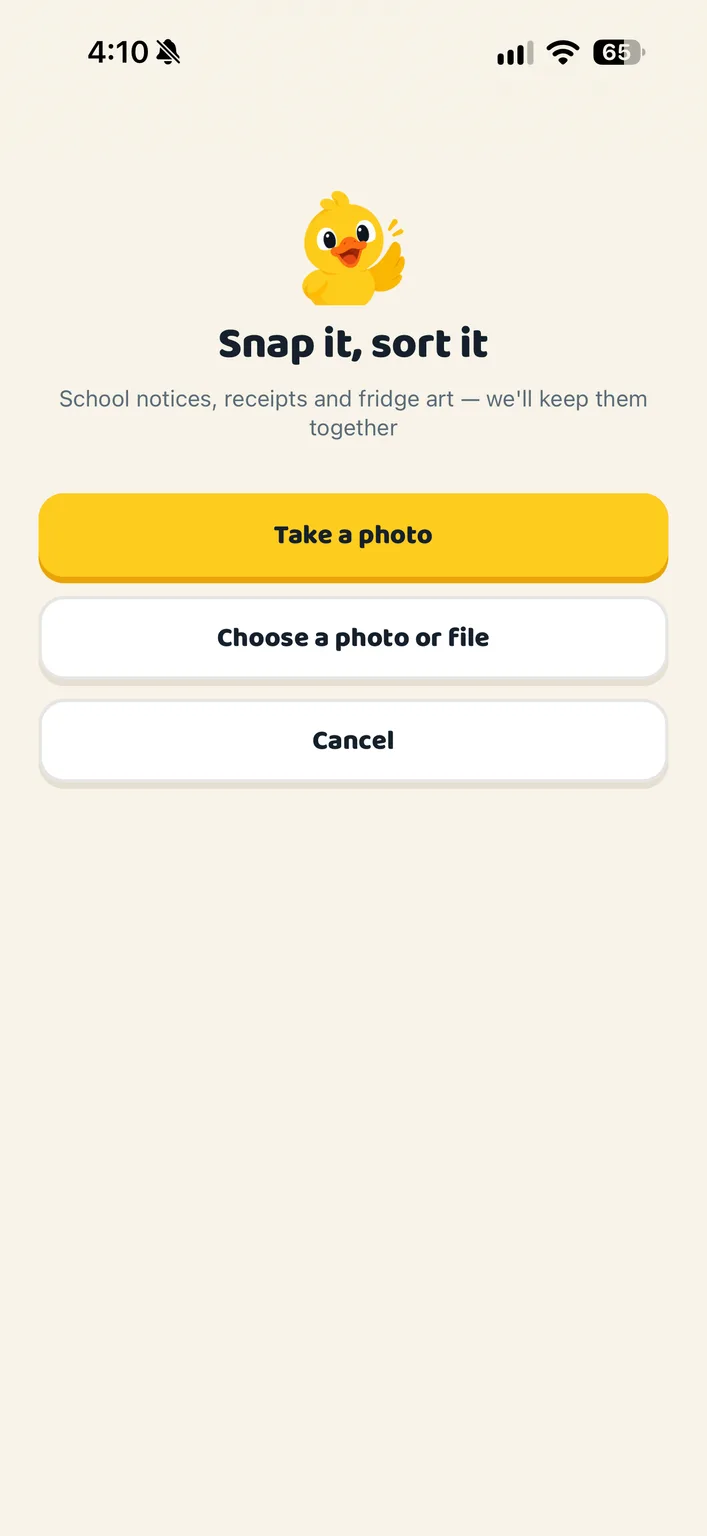
From the camera hero on Home, the yellow tile in the More tray, or the Vault itself. Take a photo, or choose a photo or a PDF you already have.
Artwork, receipt, document or photo. Whose it is, what a receipt was for, a name if you like, and the date, filled in from the photo where possible.
It lands in the Vault, grouped by month. Receipts and documents are read on the way in, and what was read is there to correct by hand.
A painting held up to the camera wants the glare taken off as much as a permission slip does. Corners can be dragged, and there are three looks: like a scan, natural, or untouched.
Merchant, total, tax, date and a summary are pulled out of a receipt, and every item on it is tracked. If a read goes wrong there is “Read it again”.
A read document is searchable by the words on the page: a shop, a name, a phrase.
A child can record up to fifteen seconds saying what their picture is. The picture stays if the note is removed.
Artwork can belong to anyone in the flock, grown-ups included. It is filed under the person who made it, on the day the photo was taken.
Photos and files are encrypted on their way to us and while they sit with us, and served through short-lived links rather than public ones.
Artwork, documents, receipts, photos and passwords. A photographed drawing is filed under the child who made it, on the day the photo was taken. A photographed page is straightened and cleaned up like a scan, and a receipt is read so every item on it is tracked. A password entry holds what it is for, the login address, the username and the password, and is searchable; a grown-up chooses which passwords the children can see, one at a time. Everything is encrypted on its way to us and while it sits with us, and saved passwords are encrypted again on top of that, with the key kept outside the database. The full picture is in the privacy policy at my.ducksinarow.app/privacy.
Grown-ups. Documents, receipts and member settings are for the adults in the household; a child or teen sees their own jobs, the calendar, the lists and the chat. An extended member such as a grandparent can be on the calendar without opening the family’s papers.
Create your household, add your people and choose your ducks. Everything for a fortnight, then one subscription covers your whole flock.