
Add an event
What is happening, where, when it starts and for how long. Pick a duration, an end time, or all day, and stretch it over more than one day if it is a camp or a trip.
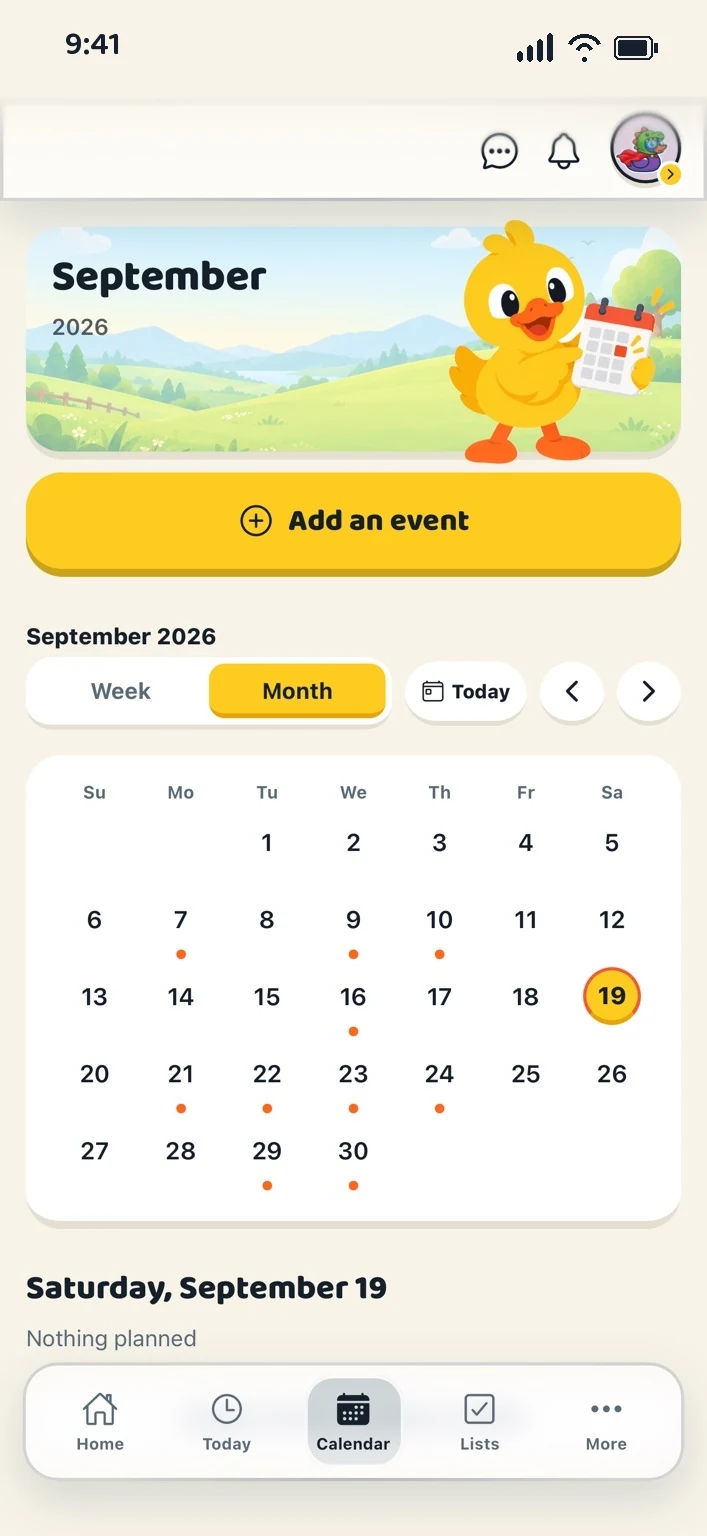
One shared calendar for the whole flock: week and month views, who is going to what, colours that follow the event, and repeats that come back on their own.
What is happening, where, when it starts and for how long. Pick a duration, an end time, or all day, and stretch it over more than one day if it is a camp or a trip.
Tap the members going. Each event wears a colour of its own, so the colour means the event, not the person.
Every day, weekdays, every week, every two weeks or every month, until a date you choose. One event stored, every occurrence shown.
A full day from midnight to midnight. The waking hours stand tall, quiet hours shrink rather than disappear, and a line shows where now is.
A month at a glance with the chosen day’s events listed underneath.
A birthday on someone’s profile appears on the calendar by itself. Nothing to add, nothing to keep up to date.
Forwarded school notices become suggestions at the foot of the calendar. A grown-up looks and adds them; nothing lands on its own.
When two homes are linked, an event you edit gets a switch: “Share this one”. They see the title, time and place, and nothing else.
Anyone can put themselves on an event or step off it. Who else is going stays with the grown-up who made it.
Every date is the household’s own wall clock, converted once and never again.
Two homes each keep their own household, then link them. Sharing is chosen one event at a time: an event you mark as shared appears in the other home’s calendar, and nothing else does. Tasks, lists and Duck Bucks stay home. Documents, receipts and private notes are never shared across a link. Either home’s grown-ups can pause or end the link at any time.
Your flock gets its own unique email address. Forward a school notice, an appointment reminder or a team schedule to it, and the dates and details are pulled out for a grown-up to approve and add to the family calendar. Anyone in the flock can forward to it; the address itself is what keeps it private.
Create your household, add your people and choose your ducks. Everything for a fortnight, then one subscription covers your whole flock.